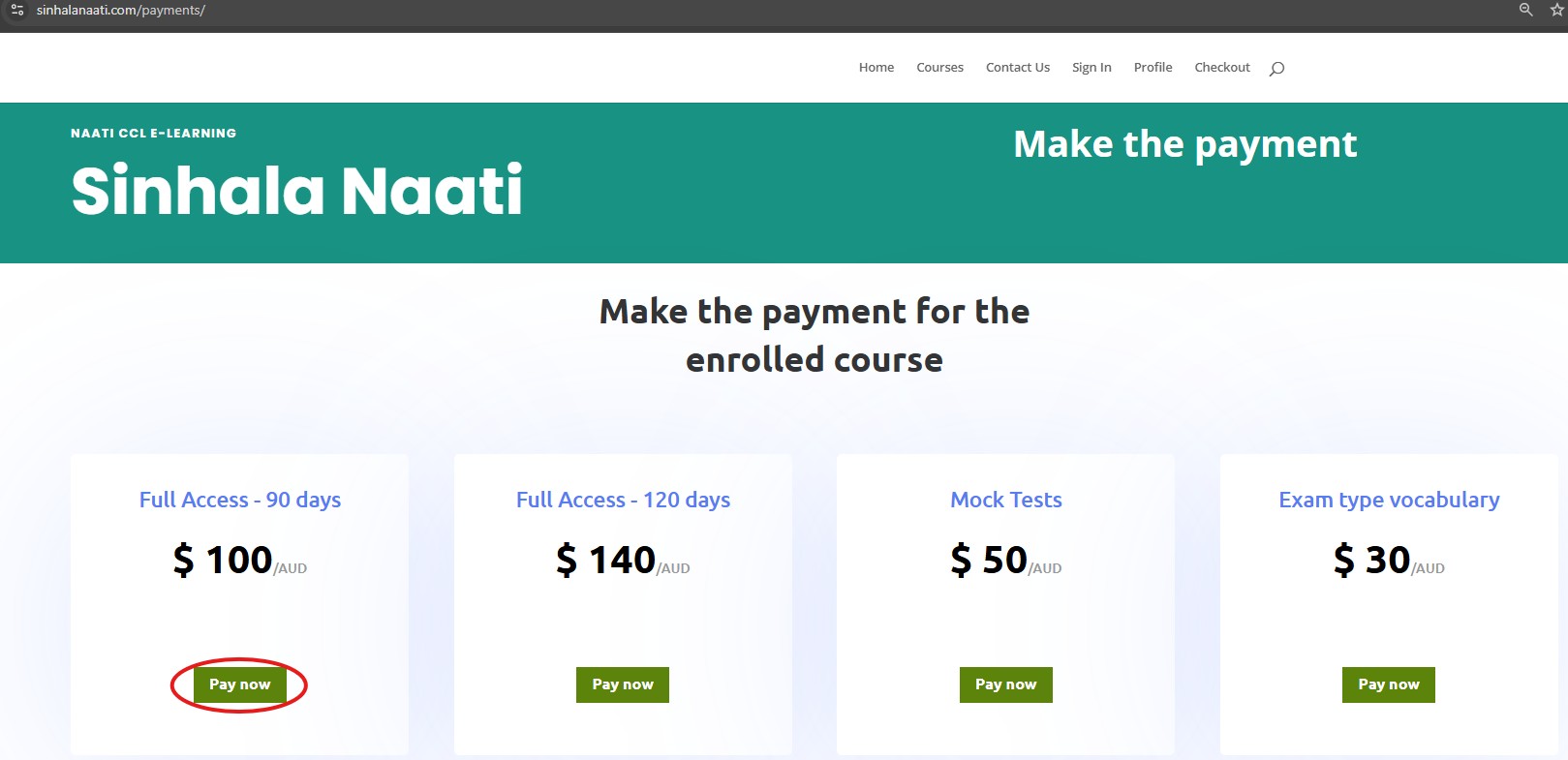
Naati CCL E-Learning
Sinhala Naati
Make the payment
How to enroll for a course
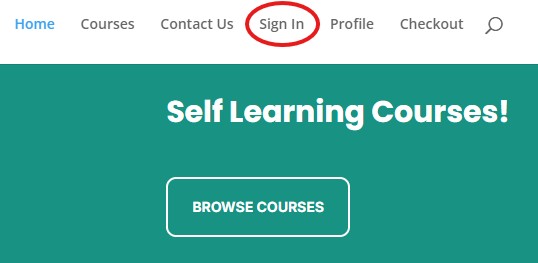
1 – Click “Sign in” button
- You will find sign in button in header menu.
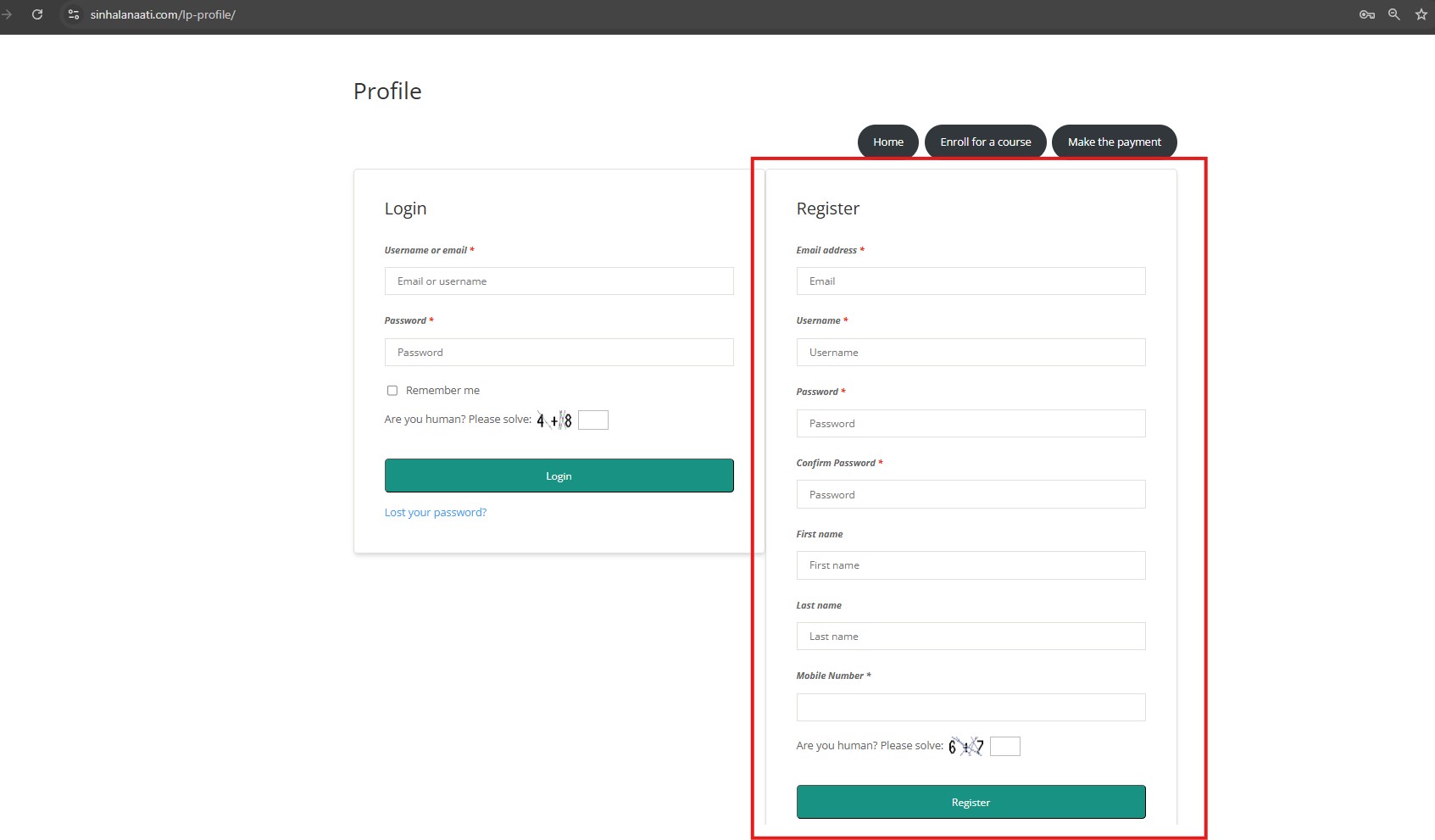
2 – Register
- Please fill registration form.
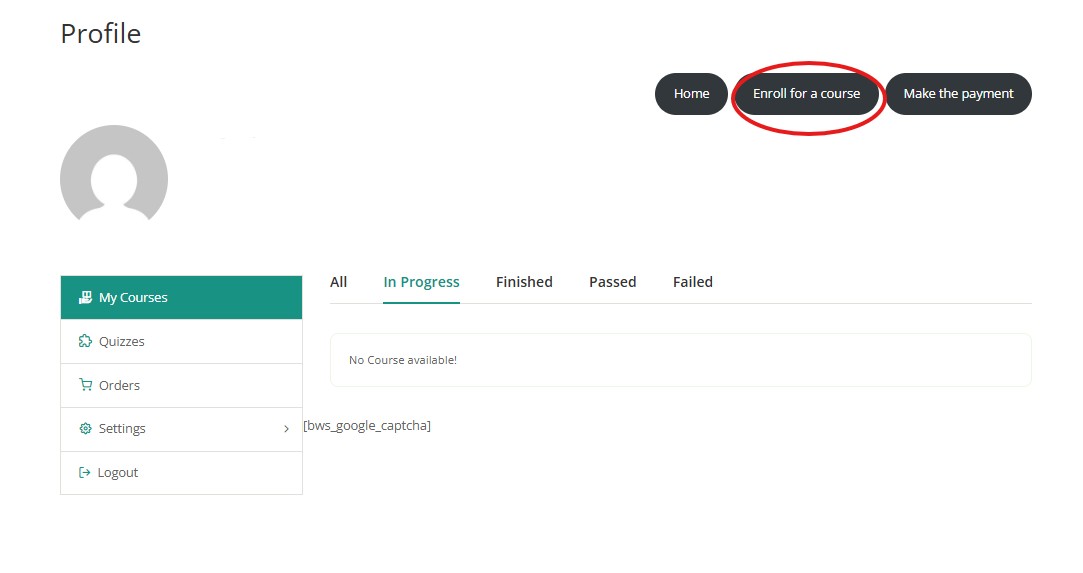
3 – Profile and enroll for a course
- Once you complete the registration, you will be directed to your profile.
- Please click “Enroll for a course”.
4 – Select the course
- Click “More infomation” tab.

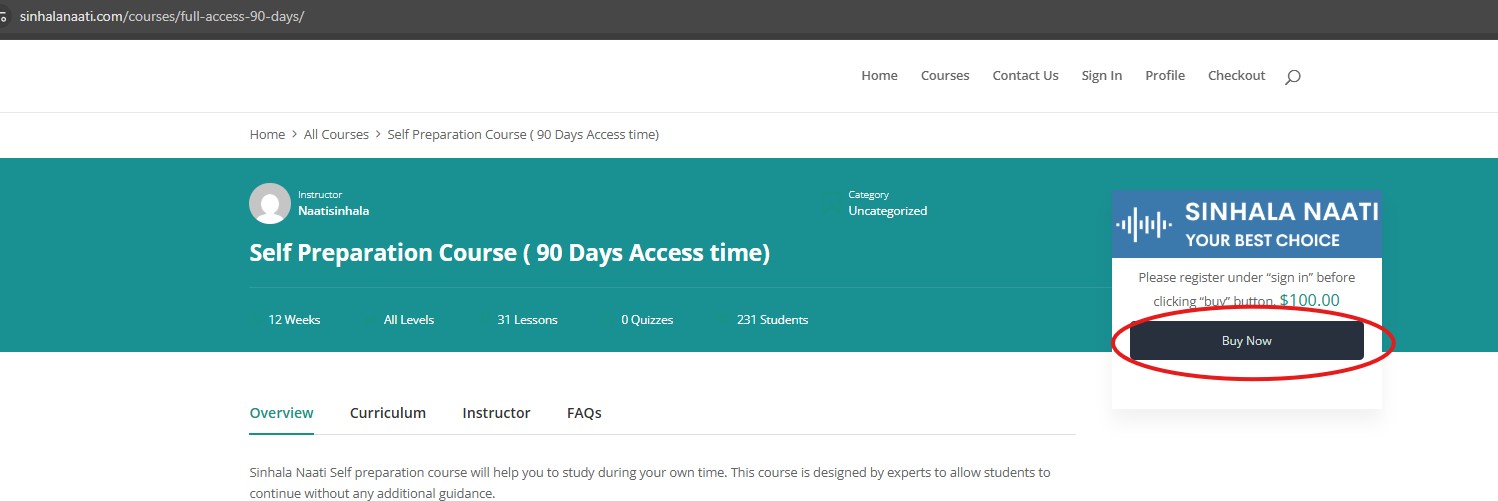
5 – Buy now
- Click “Buy now” button.
6 – Checkout
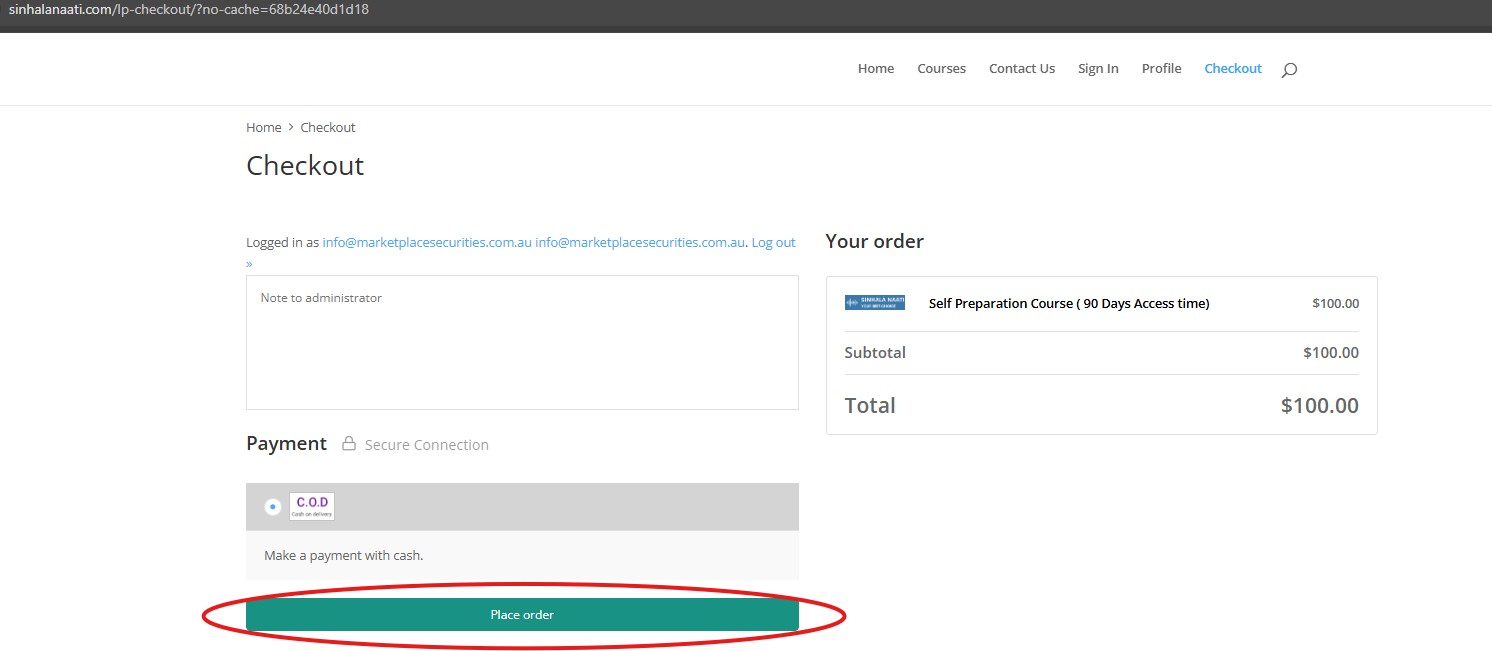
- After clicking “Buy now” button, you will be directed to checkout page.
- Please click “Place order” button.
7 – How to make the payment
- Go back to your profile and click “Make the payment” button.
- Select the the enrolled course and follow the process.
- Once the payment is completed, please go back to profile and the enrolled course will be appeared in your profile.